

Start here New to Vircle? Begin with these.
Vircle in Schools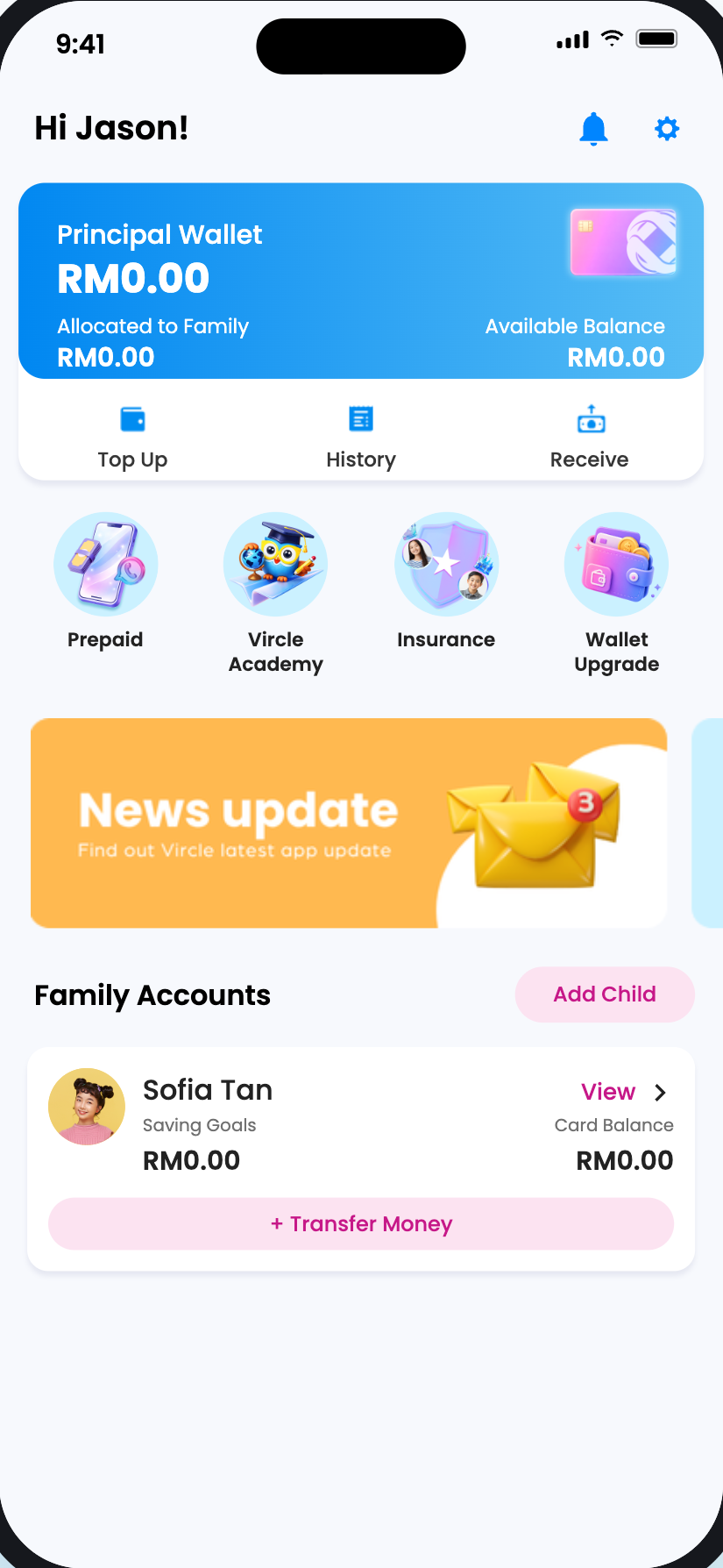
1.1
How to Start Using Vircle in School
A step-by-step guide for parents: from creating your account to sending an allowance and freezing your child's card.
Start guide
Vircle Beyond Schools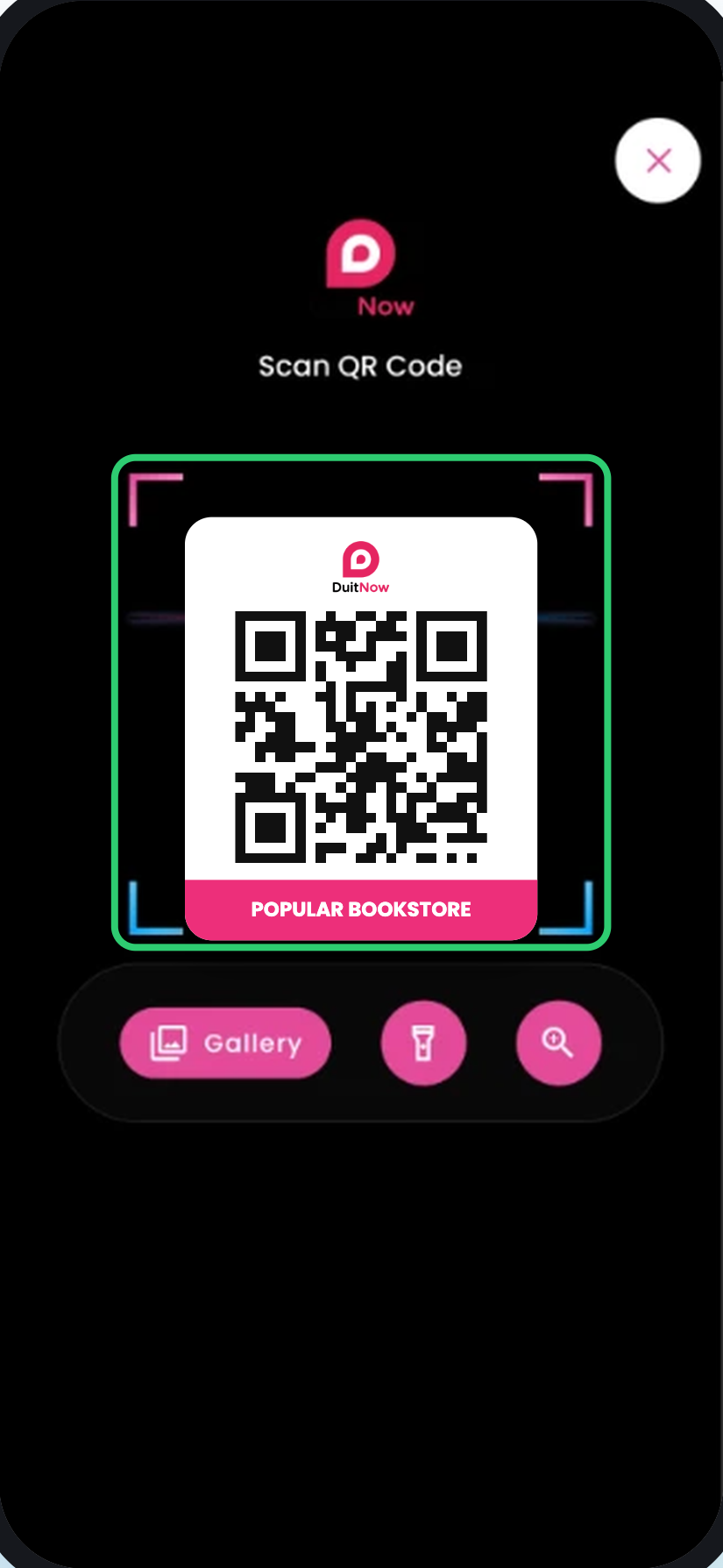
1.2
How to Get Your Child Started with DuitNow Scan & Pay on Vircle
A step-by-step guide for parents: from creating your account and turning on Child Login, to your child paying at a shop with DuitNow QR on their own phone.
Start guide
Vircle Beyond Schools
1.3
How to Get a Vircle Visa Prepaid Card for Your Child
Apply for your child's Vircle Visa Prepaid Card, then link it to your child so they can start using it.
Coming soon
More guides
2Parent Wallet
2.1
Register Your Vircle Parent Account and Activate Your Wallet
Open guide2.2
Read Your Balance in Parent Wallet
Open guide2.3
Top Up with DuitNow Transfer or DuitNow QR
Open guide2.4
Top Up with Online Banking (FPX)
Coming soon2.5
Top Up with a Debit or Credit Card
Coming soon2.6
Top Up with a Reload PIN
Coming soon2.7
Upgrade Your Parent Wallet
Coming soon2.8
View Parent Wallet History
Coming soon3Your Child
4Managing Allowance and Spending
4.1
Give and Withdraw Allowance
Open guide4.2
Set Up Auto Transfer
Coming soon4.3
Check Your Child's Transaction History
Coming soon4.4
Get an E-Invoice
Coming soon5Vircle Visa Prepaid Card
5.1
Apply for a Vircle Visa Prepaid Card
Coming soon5.2
Activate or Link the Vircle Visa Prepaid Card to Your Child
Coming soon5.3
Manage Your Child's Vircle Visa Prepaid Card
Coming soon6DuitNow QR
6.1For children
Pay with DuitNow Scan & Pay
Open guide6.2
Freeze and Unfreeze DuitNow Scan & Pay
Coming soon7Vircle Services
7.1
Shop at Vircle Mall
Coming soon7.2
Get Student Protect Insurance
Coming soon7.3
Pay Fees by Instalments (EPP)
Coming soon8Managing Your Vircle App
8.1
Manage Alerts and Notifications
Coming soon8.2
Change the Language on the App
Coming soon8.3
Update Your Photo and Nickname
Coming soon8.4
Change Your User PIN
Coming soon8.5
Close Your Account
Coming soon No guides match that yet. Try another word.